

Remove KeRanger Ransomware Mac [Prevention Strategies]

Before we dive in
Before we dive in, let's make sure you stay safe online. We created SpyHunter because your security matters to us.
Protect your computer today — download SpyHunter right here! Check out our top tips below to keep your computer safe and secure.

KeRanger is recognized as one of the first ransomware threats targeting macOS users. This malicious software infiltrates Mac devices through compromised downloads, often masquerading as a legitimate application.
Once activated, KeRanger encrypts the user’s files, effectively locking them out of their data and demanding a ransom payment for the decryption key.
This article aims to delve into the origins of KeRanger, its mode of operation, and the potential impact on affected users, providing a foundation for understanding how to protect against ransomware attacks on macOS. Let’s get down to business:
Understanding KeRanger ransomware: A comprehensive overview
Traditionally, ransomware has been a significant threat primarily to Windows users.
However, the birth of KeRanger in 2016 served as a critical reminder to the macOS community that no operating system is entirely safe from cyber threats.
KeRanger is notorious for being the first fully operational ransomware aimed at macOS, signaling a pivotal change in the cybersecurity threat landscape for Mac users.
How KeRanger attacks macOS devices
KeRanger infiltrates macOS devices by encrypting files and demanding a ransom in exchange for decryption keys.
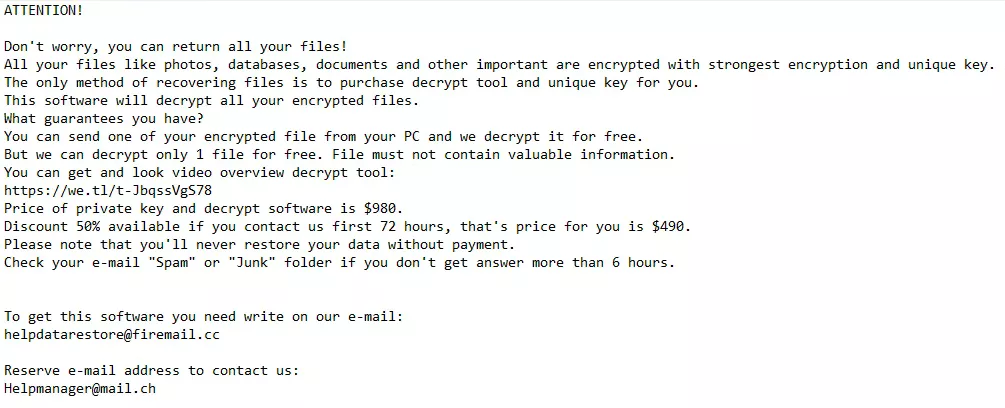
It cleverly disguises itself as a legitimate application, often distributed through a compromised version of the Transmission BitTorrent client.
Bypassing macOS security measures
One of the most alarming aspects of the KeRanger attack was its ability to bypass Apple’s Gatekeeper security feature.
By leveraging a valid Mac Developer certificate, KeRanger could install itself without triggering security warnings, complicating the macOS community’s efforts to defend against such threats.
How KeRanger infiltrates your Mac: A closer look at the risks
KeRanger’s entry into macOS systems is a prime example of the sophisticated tactics cybercriminals use to breach secure operating systems.
Disguised as a benign update for the Transmission BitTorrent client, this strategy turned a routine software update into a Trojan horse.
Attackers compromised the official Transmission website, swapping the legitimate installer with one embedded with KeRanger ransomware.
This compromised installer, still signed with a valid Mac app development certificate, appeared trustworthy to both users and macOS’s Gatekeeper security feature, leveraging the trust and credibility of the Transmission project to initiate its attack unsuspected.
Activation and encryption process
Once executed, the malicious installer allows KeRanger to lay inactive for three days before activating and connecting to its control servers over the Tor network.
This delay likely aims to obscure the source of the infection, complicating efforts to trace the attack back to its origin.

Upon activation, KeRanger begins encrypting various file types on the system, including documents, images, and even Time Machine backup files, targeting the mechanisms users rely on for data restoration.
Transmission’s role in distribution
Transmission, a popular BitTorrent client for macOS, played an unintentional but critical role in distributing KeRanger ransomware.
As a legitimate and widely trusted application, Transmission represented an ideal vector for the ransomware’s creators to target a large base of macOS users.
The deliberate breach of the Transmission project’s website, substituting the legitimate application with the compromised version, demonstrates a calculated approach by malware attackers to infiltrate macOS systems under the radar.
The method of KeRanger’s infiltration through Transmission and the subsequent activation and encryption process highlight the risks and emphasize the importance of vigilance when downloading software, especially from third-party sources.
Early detection of KeRanger ransomware: Key indicators
Identifying KeRanger early on macOS systems is crucial for preventing its harmful effects.
This malware cleverly disguises itself, making initial detection difficult. However, by being vigilant and recognizing sure signs, users can catch KeRanger before it starts encrypting files.
Recognizing the signs of infection
- Unexpected Software Update Prompts: Exercise caution with software update notifications, especially from applications not recently used or from dubious sources.
- System Performance Issues: A noticeable slowdown in system performance or unusual CPU usage spikes could indicate ransomware activity.
- File Accessibility Problems: Regularly check if you can open files without issues. Encryption malware may cause files to become inaccessible or display error messages.
- Odd Application Behavior: Applications crashing, failing to launch, or running slower than usual can be red flags.
- Suspicious Network Activity: An increase in network activity, mainly to unfamiliar addresses, might suggest ransomware is contacting external servers.
Proactive monitoring strategies for Mac users
To safeguard against KeRanger and similar threats, Mac users should adopt a proactive approach:
- Be Skeptical of Software Updates: Verify the authenticity of update prompts, particularly those originating from third-party sites.
- Monitor System and Application Performance: Monitor your Mac’s performance and any application anomalies.
- Regular File Checks: Ensure your files are accessible and unaltered to catch potential encryption attempts early.
- Stay Updated: Regularly update your macOS and all security applications to protect against known vulnerabilities and threats.
- Use Trusted Security Solutions: Implement reputable antivirus software that offers real-time protection and regular system scans to detect and remove malware. A reliable choice is SpyHunter for Mac – Download SpyHunter from here.
Mac users can significantly reduce the risk of infection by understanding the signs of KeRanger ransomware and monitoring system behavior.
Implementing these strategies and adhering to best security practices form a strong defense against the evolving landscape of cyber threats targeting macOS.
Prevent future KeRanger infections: Stay one step ahead of ransomware
Adopting a bold security strategy is imperative to safeguard your Mac from ransomware.
Understanding the evolving cyber threat landscape and implementing effective defense mechanisms can significantly diminish the likelihood of surrendering to ransomware attacks.
The foundation of ransomware prevention lies in regular software updates, diligent backups of crucial files, and the cultivation of safe browsing practices.
Secure your Mac against ransomware
To protect your Mac from ransomware, you need to be ready and take steps to prevent it.
Using good antivirus and anti-malware programs that can spot ransomware quickly is vital. These programs should always check your Mac and know how to find ransomware.
It’s also essential to learn about tricks used by cybercriminals, like fake emails (phishing) and harmful software tools. Knowing these can help you avoid dangers while you’re online.
Regularly update software
Maintaining the security of your macOS and all installed applications through regular updates is a critical preventative measure against ransomware.
Developers frequently issue updates that address security vulnerabilities, which could otherwise serve as gateways for ransomware infections.
Activating automatic updates ensures your system promptly benefits from the latest security enhancements, bolstering its resilience against the refined technologies used by hackers.
Enhance protection with SpyHunter
In addition to these foundational security practices, utilizing SpyHunter for Mac adds an extra layer of defense to your anti-ransomware arsenal.
SpyHunter is designed to offer comprehensive protection against malware, including ransomware, by providing real-time threat detection and removal capabilities.
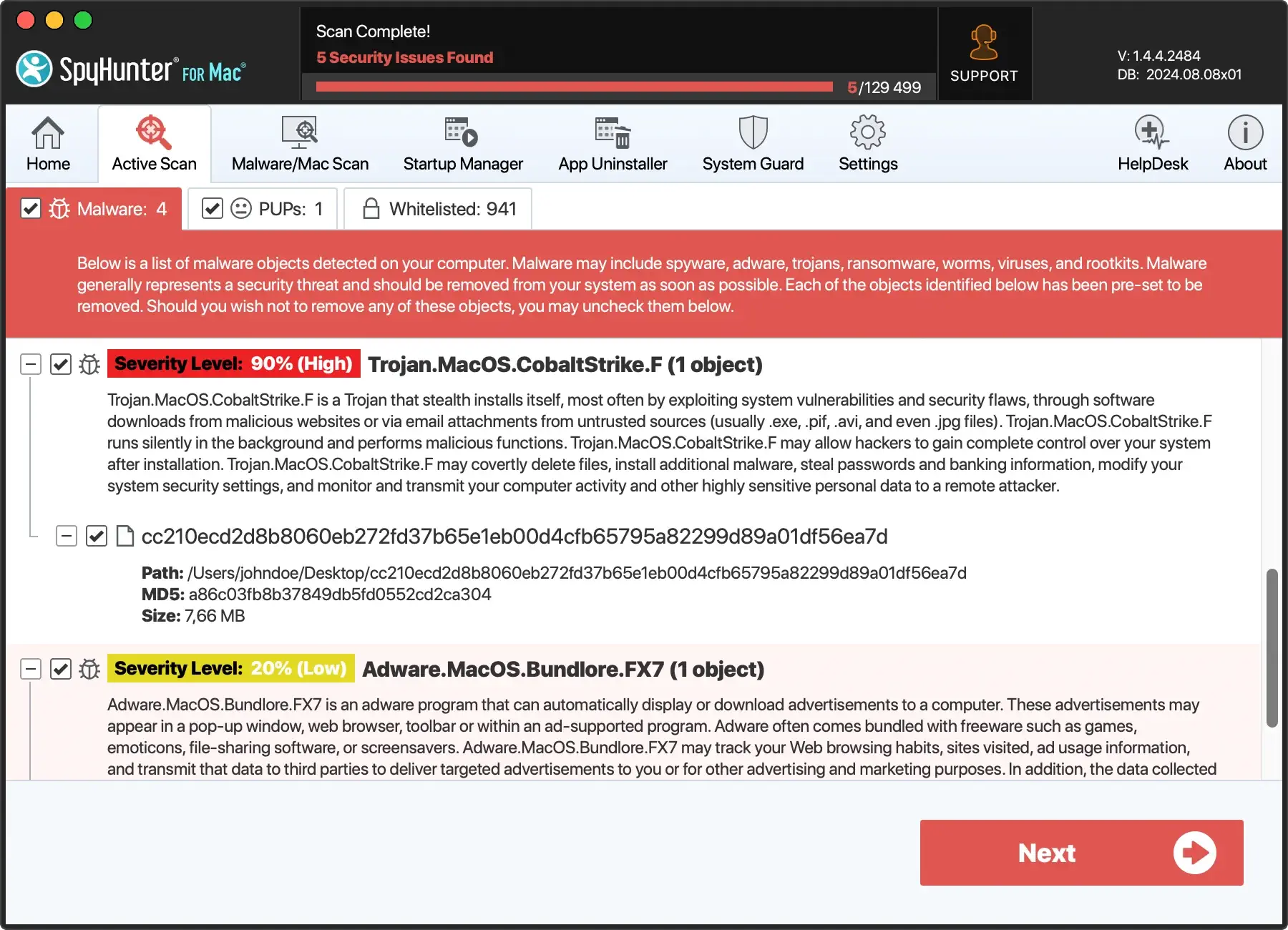
- Download SpyHunter for free here to ensure you have access to the most up-to-date protection against ransomware and other malicious software.
- Follow the straightforward installation instructions to integrate SpyHunter into your Mac.
- With SpyHunter installed, conduct regular full-system scans to identify and neutralize any potential threats before they can execute their malicious payloads.
- SpyHunter’s real-time protection feature actively monitors your system for suspicious activity, offering an immediate response to threats. This prevents ransomware from gaining a foothold on your Mac.

Incorporating SpyHunter into your cybersecurity routine can significantly enhance your Mac’s defenses against ransomware and other evolving cyber threats.
Backup strategies: Safeguard your data from ransomware
KeRanger ransomware’s attack on Macs shows why it’s crucial to back up your data regularly.
Experts suggest using both local and cloud backups for the best protection. This way, you can recover quickly from ransomware and avoid losing data from hardware problems or disasters.
Using Apple’s Time Machine and iCloud backups
- Time Machine: This tool backs everything on your Mac to an external drive. It saves hourly backups for a day, daily backups for a month, and weekly backups for each month before. When the drive fills up, the oldest backups are removed. To fight ransomware that targets Time Machine, consider third-party backups with extra encryption.
- iCloud Backups: Adding cloud backups gives another safety layer. Your data is stored offsite, safe from local threats. iCloud is a good option for backing up documents, photos, and more.
Combining Time Machine with cloud backups creates a strong defense against ransomware. This dual approach ensures your data is safe and recoverable, no matter what happens.
Conclusion: Keep your Mac safe from KeRanger and other ransomware
KeRanger showed us that Macs can get ransomware, changing our thoughts about Mac security. Now, it’s essential to be more careful and take steps to keep safe.
Knowing how ransomware gets in, spotting it early, and having a good security plan are critical to protecting your Mac. Make sure to update your software regularly, back up your files, and be careful online. Using robust security tools that check your Mac in real-time also helps.
Remember, no computer is completely safe. But you can lower your chance of getting ransomware by learning about risks, watching out for scams, and using good security practices. Together, we can make our Macs safer.
