

Why Is Endpoint Protection Important?

Businesses face a growing number of cyber threats targeting their networks and sensitive data. Endpoints—devices such as laptops, desktops, smartphones, and servers—serve as gateways to these networks, making them prime targets for cybercriminals.
Implementing robust endpoint protection is no longer optional; it’s a critical component of a comprehensive cybersecurity strategy.
In this article we will examine the significance of endpoint protection, its key components, and why businesses must prioritize it to safeguard their operations.
What does Endpoint Protection encompass?
Endpoint protection—also known as endpoint security—is the practice of securing endpoints, or entry points, of end-user devices from being exploited by malicious actors. But what exactly is an endpoint?
An endpoint refers to any physical device that connects to and communicates with a network. This includes:
- Desktop computers and laptops
- Smartphones and tablets
- Servers
- Point-of-sale (POS) systems
- Internet of Things (IoT) devices
- Virtual environments (e.g., VDI endpoints)
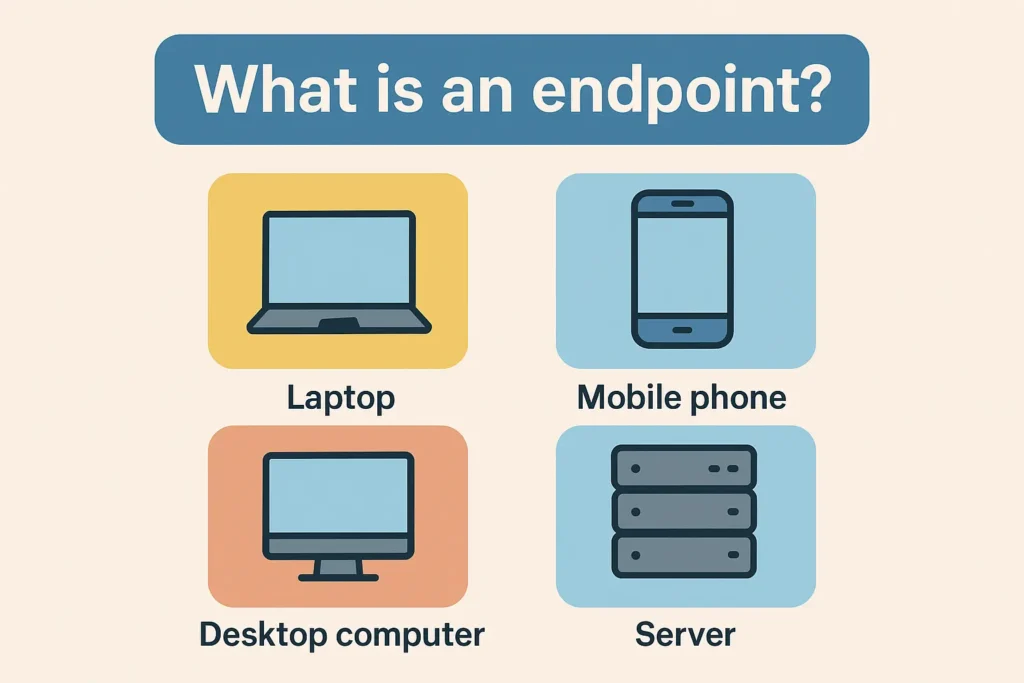
Each of these devices can serve as an access gateway for cybercriminals looking to infiltrate a network, steal data, or deploy malware.
As businesses increasingly support remote work, cloud computing, and BYOD policies, the number of endpoints—and the associated risks—has grown exponentially.
Endpoint protection involves deploying software and tools on these devices to monitor, detect, and respond to cyber threats in real time.
It’s a critical part of any organization’s broader cybersecurity architecture, helping to block malware, ransomware, unauthorized access, and data breaches before they cause harm.
The importance of Endpoint Protection
Several factors underscore the critical need for robust endpoint protection in today’s business environment:
- Proliferation of Devices: The modern workplace is characterized by a multitude of devices connecting to corporate networks, including personal smartphones and tablets under Bring Your Own Device (BYOD) policies. Each device represents a potential entry point for cyber threats.
- Remote and Hybrid Work Models: The shift towards remote work has expanded the attack surface, with employees accessing corporate resources from various locations and networks. This dispersion increases the risk of security incidents if endpoints are not adequately protected.
- Sophistication of Cyber Threats: Cyberattacks have become more advanced, employing tactics like zero-day exploits and ransomware. Traditional security measures are often insufficient against these evolving threats, necessitating advanced endpoint protection solutions.
Key components of effective Endpoint Protection
A comprehensive endpoint protection strategy incorporates multiple layers of defense to address various threat vectors.
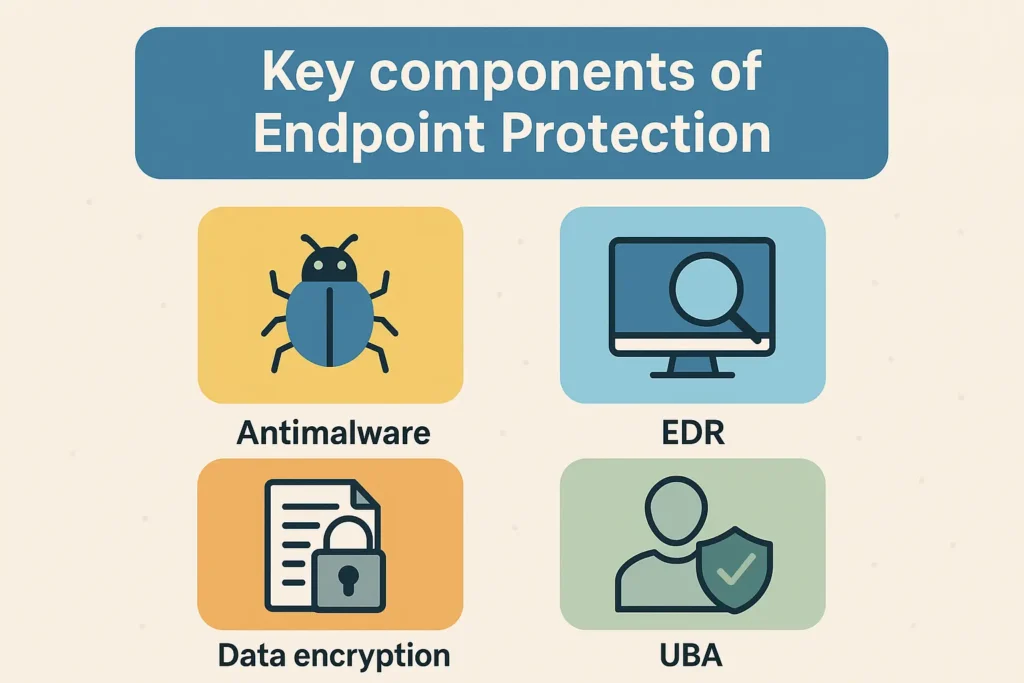
Essential components include:
- Antivirus and Antimalware: Fundamental tools that detect and remove malicious software from endpoints. Modern solutions use heuristic and behavioral analysis to identify new and unknown threats.
- Endpoint Detection and Response (EDR): Provides continuous monitoring and analysis of endpoint activities to detect suspicious behavior. EDR solutions enable rapid response to incidents, minimizing potential damage.
- Data Encryption: Protects sensitive information by converting it into unreadable code, ensuring that data remains secure even if a device is compromised.
- Application Control: Restricts the execution of unauthorized applications, reducing the risk of malware infections and ensuring that only approved software runs on endpoints.
- Patch Management: Ensures that all software and operating systems are up-to-date with the latest security patches, closing vulnerabilities that could be exploited by attackers.
- User Behavior Analytics (UBA): Monitors user activities to detect anomalies that may indicate insider threats or compromised accounts.
Benefits of implementing Endpoint Protection
Investing in robust endpoint protection offers numerous advantages for businesses:
- Reduces Overall Security Costs: A breach can cost millions. Investing in endpoint protection upfront is significantly cheaper than dealing with the aftermath of a successful cyberattack.
- Comprehensive Threat Prevention: Endpoint protection blocks malware, ransomware, phishing attacks, and zero-day threats before they can harm the network. Modern solutions combine AI, machine learning, and behavior analysis to catch both known and unknown threats.
- Data Loss Prevention (DLP): By protecting endpoint devices where data is stored or accessed, endpoint protection prevents unauthorized data transfers or leaks—especially crucial in industries with regulatory compliance requirements.
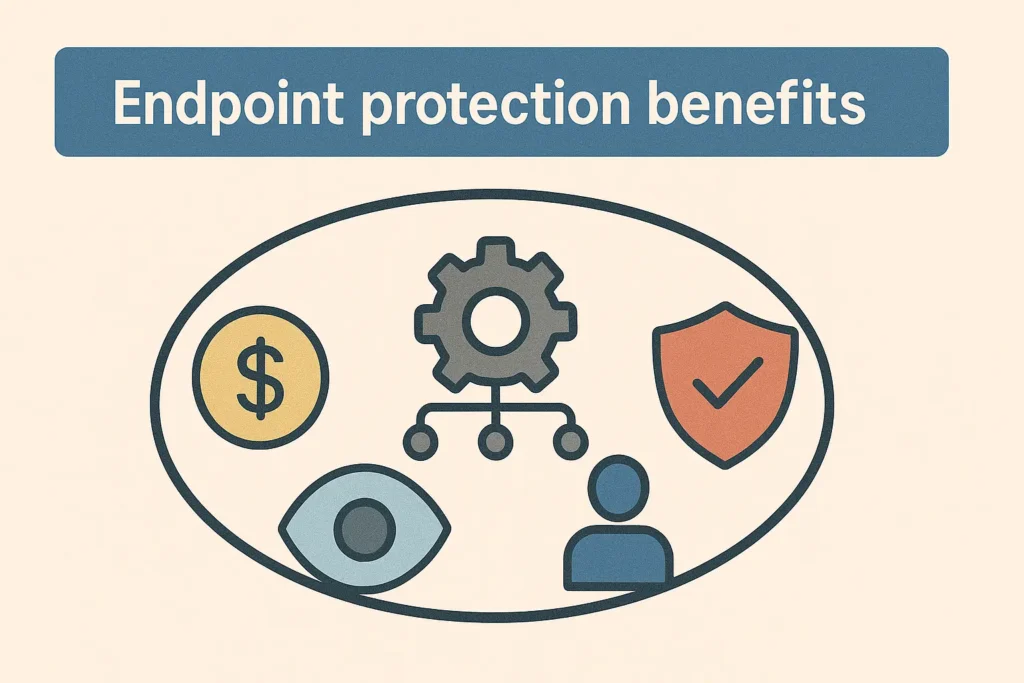
- Centralized Security Management: Businesses can manage all endpoints from a single dashboard, ensuring consistent security policies across remote and in-office environments, and enabling quick response to any threat.
- Supports Compliance and Regulatory Requirements: Endpoint protection helps businesses meet industry-specific compliance standards (like HIPAA, GDPR, PCI DSS) by protecting sensitive customer and operational data across all endpoints.
- Reduces IT Workload Through Automation: Automated patching, threat detection, and response reduce the need for manual intervention, allowing IT teams to focus on strategic tasks instead of constant firefighting.
- Enhances Business Continuity: Quick threat response and containment prevent downtime, data loss, and disruptions to operations. This is vital for businesses that rely on 24/7 availability.
- Improves Visibility Across the Network: Endpoint protection tools often include monitoring and logging features that give businesses full visibility into device behavior, making it easier to detect abnormalities and investigate incidents.
- Supports Remote and Hybrid Workforces: Endpoint protection ensures that employees working from home or other locations can do so securely, minimizing risks from unsecured Wi-Fi networks or personal devices.
- Insider Threat Mitigation: By monitoring user behavior and restricting access based on roles, endpoint protection helps reduce the chances of internal threats—whether accidental or malicious.
Conclusion
In an era where cyber threats are increasingly sophisticated and pervasive, endpoint protection is a critical element of any organization’s cybersecurity framework.
By securing all devices that connect to the corporate network, businesses can protect sensitive data, maintain compliance, and ensure operational resilience.
Investing in comprehensive endpoint protection is not merely a defensive measure but a strategic imperative for sustaining trust and achieving long-term success.
