

Endpoint Security Audit Checklist (9 Steps For Success)

An endpoint security assessment identifies weaknesses in your organization’s devices, such as laptops and smartphones, to protect against cyber threats.
This article explains the essential stages of conducting a comprehensive assessment, from inventorying devices to evaluating security measures.
Key points
- Endpoint security assessments are critical for identifying vulnerabilities and enhancing an organization’s security posture against cyber threats.
- Maintaining an accurate inventory of all connected devices is essential for effective endpoint security management and incident response.
- Regular employee training and security audits are necessary to instill a security-aware culture and ensure continuous compliance with evolving security standards.
A security audit checklist in 9 steps
1. Take inventory of endpoint devices
- Begin your security audit by identifying all connected endpoint devices across your network—this includes desktops, laptops, mobile devices, and IoT gadgets.
- Maintaining a complete and continuously updated asset inventory is essential for risk assessment, threat detection, and resource allocation.
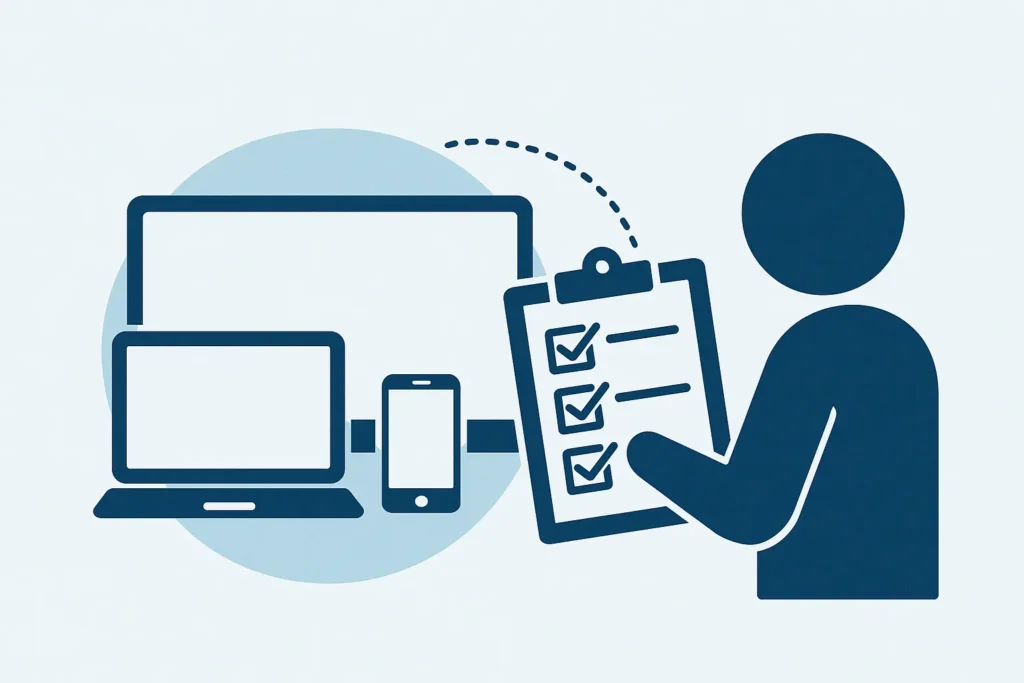
- Use network scanning tools to automate device discovery and ensure accuracy.
- Each device should be tagged with details like operating system, user, location, and classification based on its sensitivity and business importance.
- Regular audits help detect any unauthorized or newly connected devices and ensure they’re integrated into the security ecosystem.
2. Evaluate current security measures
- Regularly evaluate the effectiveness of your current security tools and policies to maintain a strong security posture.
- This includes checking configurations, patch levels, and update statuses of antivirus, anti-malware, and firewall solutions.
- Perform vulnerability assessments to uncover weak spots in infrastructure, applications, or access controls.
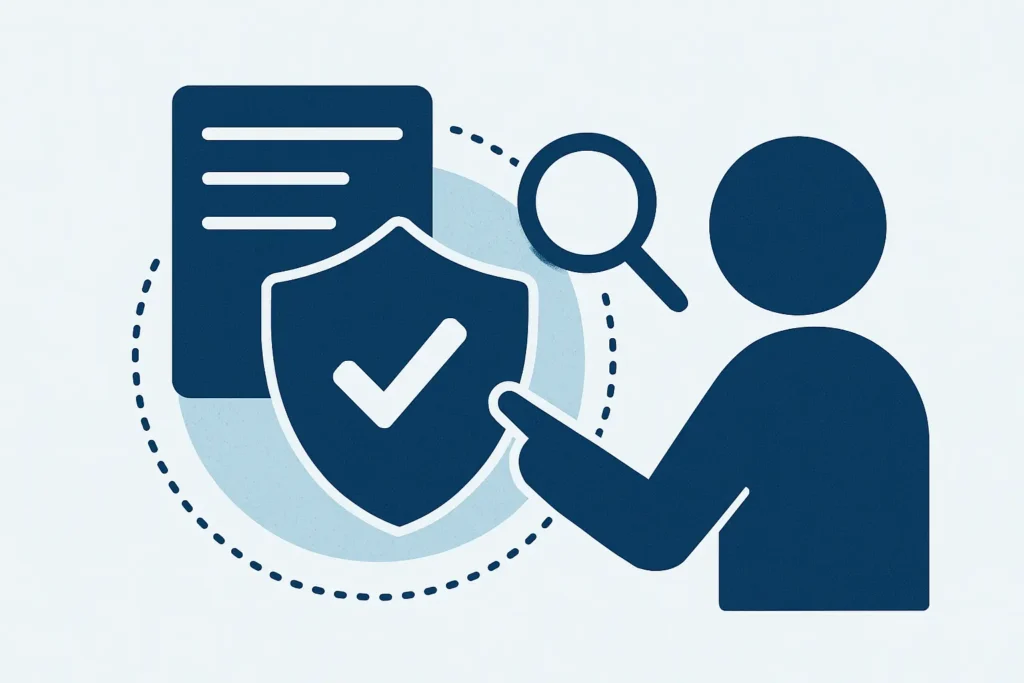
- Use threat metrics like malware infection rates and threat detection logs to assess real-time protection.
- Keep subscriptions and updates active for all endpoint protection software to ensure continued defense against evolving threats.
3. Perform an endpoint detection and response (EDR) analysis
- Leverage Endpoint Detection and Response (EDR) tools to monitor and contain advanced threats like ransomware, fileless malware, and zero-day exploits.
- EDR systems provide real-time analytics, behavioral monitoring, and automated threat mitigation for all endpoints.
- Ensure your organization has a well-documented and accessible Incident Response Plan (IRP) with clear procedures for identifying, isolating, and recovering from attacks.
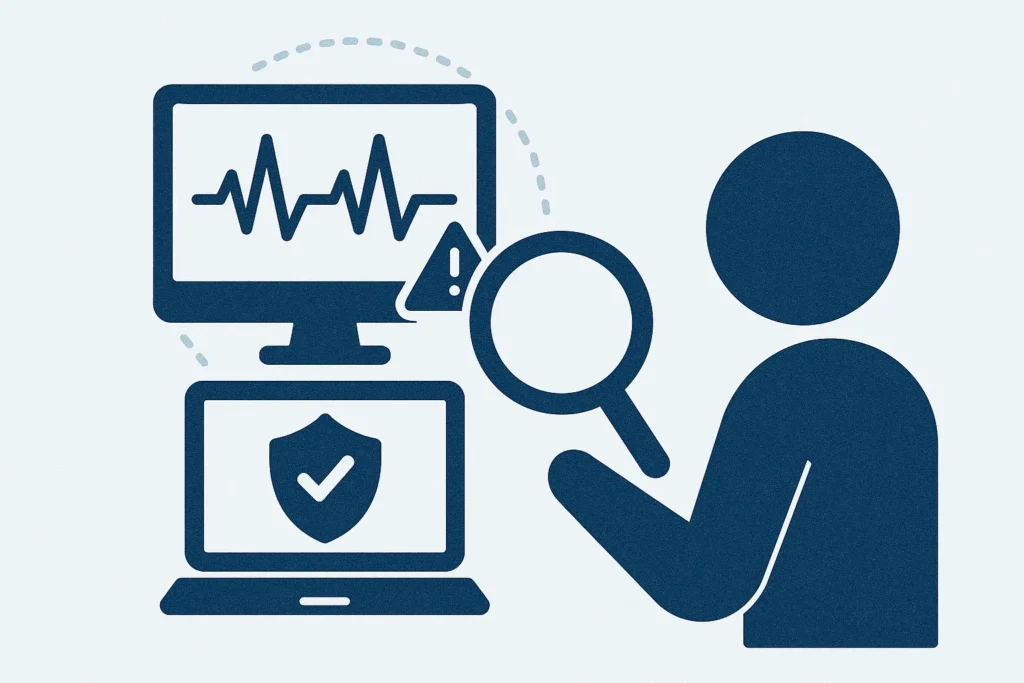
- Whether managed in-house or through a third-party provider, EDR should be integrated with your broader cybersecurity strategy.
- Regular analysis of telemetry data and simulated incident response drills ensures preparedness and improves detection capabilities.
4. Review user access and permissions
- Conduct frequent reviews of user access rights to ensure permissions align with current job roles and organizational needs.
- Implement Role-Based Access Control (RBAC) to streamline permission management and prevent overprivileged accounts.
- Enforce the principle of least privilege by granting only the minimum access needed to perform tasks, reducing the risk of misuse.
- Strengthen security further by enabling multi-factor authentication (MFA) across all user accounts, especially for privileged access.
- Revoke access for former employees and eliminate redundant or unused permissions to prevent privilege creep and potential data leaks.
5. Evaluate data backup and recovery
- Ensure that your data backup and recovery strategy is reliable, well-documented, and frequently tested.
- Utilize a combination of full and incremental backups to ensure comprehensive coverage and optimize storage efficiency.
- Store backups in secure offsite or cloud environments to safeguard against local hardware failures, ransomware, or natural disasters.
- Automate backup processes and establish a clear recovery time objective (RTO) and recovery point objective (RPO) for different data categories.
- Conduct routine tests of backup restorations to verify both integrity and speed of data recovery during critical incidents.
6. Train employees and raise awareness
- Ongoing employee security training is crucial to building a human firewall against cyber threats.
- Educate staff on recognizing phishing scams, creating strong passwords, and following safe internet practices.
- Keep training programs up-to-date with the latest attack methods and incorporate interactive elements like quizzes or phishing simulations.
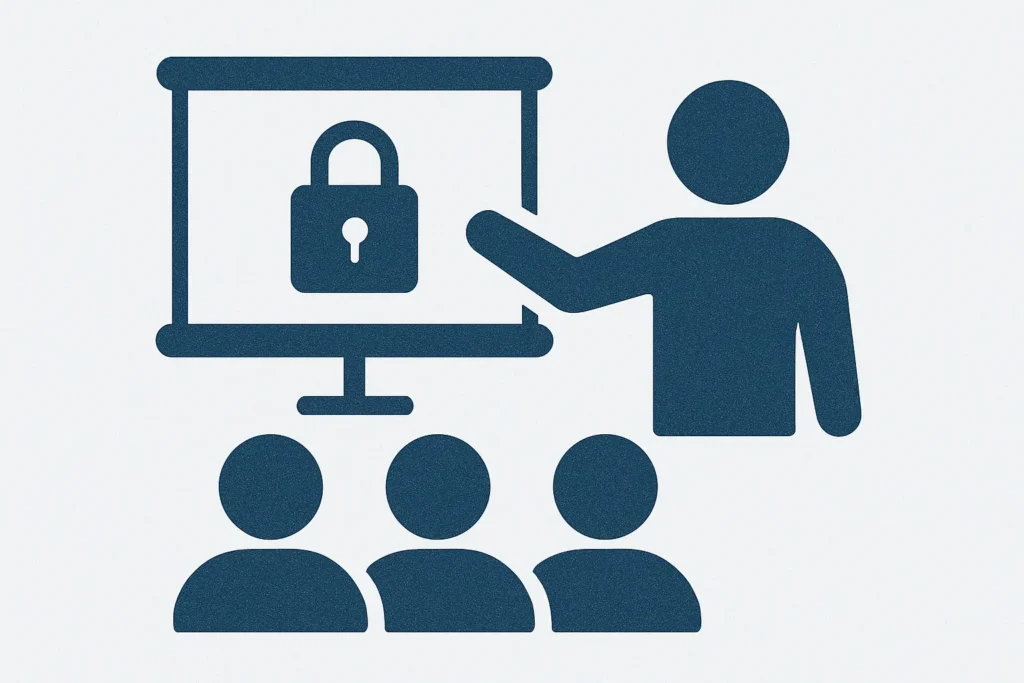
- Measure training effectiveness through metrics such as reduced click rates in phishing tests and improved incident reporting.
- Encouraging a security-first mindset across departments greatly reduces the risk of user-initiated breaches.
7. Ensure secure configuration of endpoint devices
- Proper configuration of all endpoint devices—desktops, laptops, mobile devices, and IoT—is vital for minimizing vulnerabilities.
- Implement disk encryption, strong password policies, and enable remote wipe features to secure data on lost or stolen devices.
- Use Mobile Device Management (MDM) solutions to enforce consistent security settings, control app installations, and push updates.
- Ensure all devices are routinely patched and that default credentials are replaced with unique, complex passwords.
- Establish a clear protocol for handling lost hardware, including tracking procedures and data containment measures to prevent leaks.
8. Perform continuous endpoint monitoring
- Deploy continuous monitoring tools to detect and respond to endpoint threats in real-time.
- Modern endpoint protection platforms provide visibility into system health, user behavior, and network traffic anomalies.
- Utilize automated threat hunting and real-time alerting to quickly identify suspicious activity or unauthorized access attempts.
- Regular monitoring helps enforce compliance, protect against insider threats, and ensure that all endpoints remain protected as your environment evolves.
- Integrate monitoring with centralized dashboards for quick insights and faster decision-making in incident response.
9. Develop a comprehensive endpoint security strategy
- Build a layered, proactive security strategy that addresses all facets of endpoint protection.
- Incorporate the 3-2-1 backup rule—three copies of data, two different formats, one offsite—for robust disaster recovery.
- Schedule periodic cybersecurity audits covering firewalls, IDS, endpoint defenses, and network sharing practices.
- Set clear objectives for your audit process to focus on high-priority risks and ensure alignment with compliance standards.
- Regular phishing simulations and employee training refreshers should be part of the plan to improve user resilience and response readiness.
What is endpoint security assessment and why it matters?
Endpoint security assessments are essential for identifying potential vulnerabilities within an organization’s network.
These assessments help track key metrics, understand the performance of security solutions, and identify areas for improvement.
With 7% of organizations lacking an endpoint security checklist, it’s clear that many businesses have gaps in their assessment processes, leaving them vulnerable to cyber threats.
Regular vulnerability assessments ensure that effective security measures are in place to protect against potential breaches.
Conducting endpoint security assessments helps organizations measure endpoint security effectiveness and maintain a proactive security posture.
This process involves using various endpoint security tools and performing security audits to uncover weaknesses and enhance the overall security framework.
What is an endpoint security assessment?
An endpoint security assessment is designed to identify potential vulnerabilities in endpoint devices such as laptops, smartphones, and IoT gadgets.
These assessments ensure compliance with security standards and help organizations measure endpoint security effectiveness.
Telemetry data, which provides insights into endpoint activities, user behavior, system performance, and security threats, plays a crucial role in this process.
Advanced analytics tools process telemetry data in real-time, enhancing detection accuracy and preventing potential breaches.
Organizations can create a robust infrastructure by using a combination of endpoint security tools. This method tailors security measures to specific needs, ensuring all endpoint security protocols are effectively implemented and maintained.
Importance of endpoint security assessments
Regular endpoint security assessments are critical in protecting against evolving cyber threats.
These assessments help organizations maintain compliance with industry regulations and protect sensitive data.
Regular endpoint security audits reduce the risk of data breaches and ensure that security measures stay current.
Additionally, endpoint security assessments enhance an organization’s security posture, building trust with clients and stakeholders.
These assessments not only identify vulnerabilities but also provide actionable insights to improve security measures and minimize potential security risks.
