

What Is Role Based Access Controls (RBAC)?

Role-Based Access Control (RBAC) is a method of managing user permissions by assigning them to specific roles within an organization.
This approach ensures that users have access only to the resources necessary for their job functions, enhancing security and operational efficiency.
In this article, we’ll delve into the details of RBAC, how it works, its benefits, and comparisons to other access control models.
Understanding Role-Based Access Control (RBAC)

Role-Based Access Control (RBAC) is a method for restricting network access based on user roles, significantly streamlining the way user privileges are managed within a system or application.
At its core, RBAC mirrors an organization’s hierarchy, allowing roles to represent different levels of responsibility and authority.
These roles can range from administrators and expert users to end-users, ensuring that each user has access rights tailored to their job functions.
A closer look at RBAC
In practice, users receive permissions through their addition to specific role groups, streamlining the assignment process. For instance, an administrator might have edit and configuration system access, while a regular employee might only have view-only rights.
This approach ensures that employees only access the information necessary for their job responsibilities, thereby enhancing security and operational efficiency.
What makes RBAC particularly effective is its emphasis on role-based security. Associating permissions with roles rather than directly with users simplifies management and reduces access complexity.
Predefined roles configured with necessary access permissions allow organizations to streamline their access management processes.
How does RBAC work?
The mechanics of RBAC revolve around creating a role hierarchy that allows higher-level roles to inherit permissions from lower-level roles.
This hierarchical structure ensures that permissions are consistently and efficiently managed across the organization. Permissions in RBAC define the specific resources users can access and the actions they can perform on those resources.
In an RBAC system, roles are essentially sets of permissions that dictate a user’s capabilities within the system. These permissions are assigned based on the roles that users are associated with, making the process of assigning permissions straightforward and scalable.
Clearly defining the permissions for each role in the RBAC structure ensures effective access management. The key components of RBAC include role-permissions, user-role, and role-role relationships, which collectively form a robust framework for managing access rights.
Key benefits of implementing RBAC
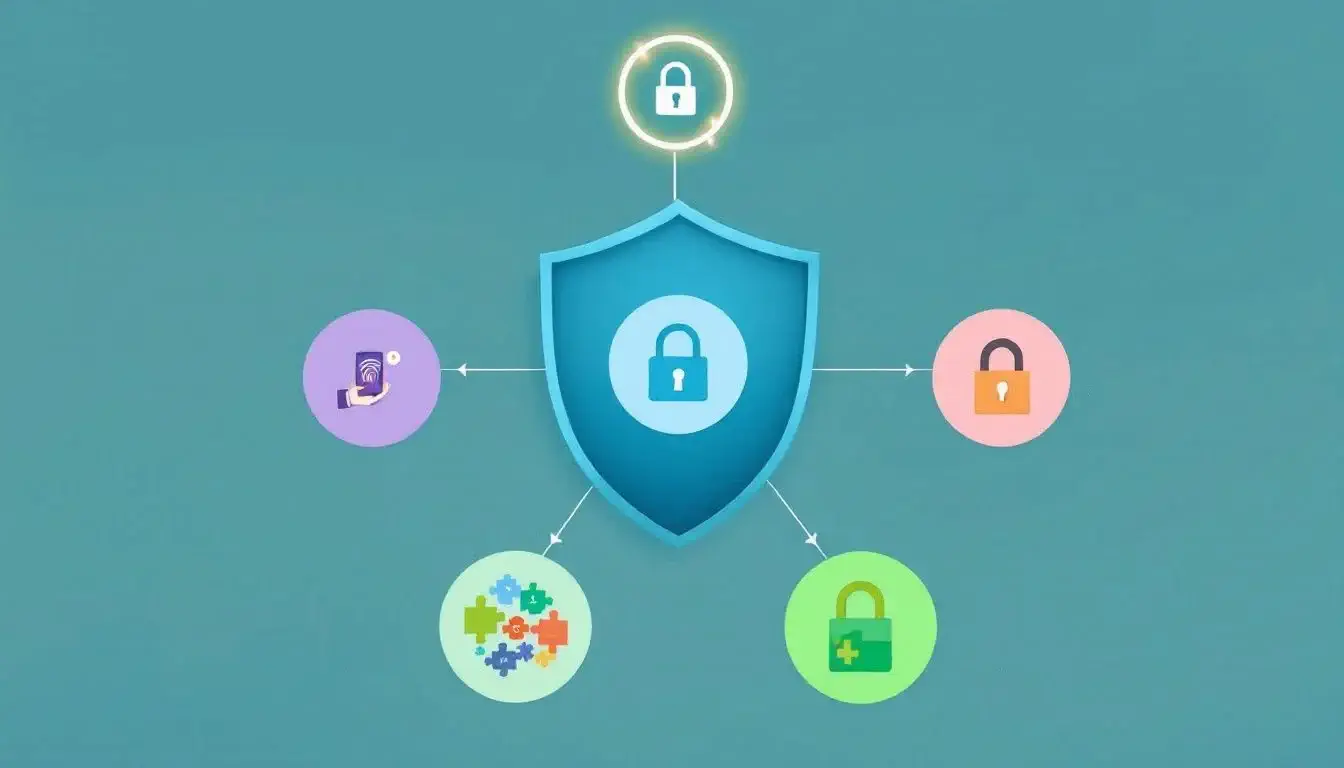
Implementing RBAC significantly improves security by strictly limiting access based on defined roles.
In modern IT environments, this approach aligns access rights with predefined user roles, thereby streamlining permission management and reducing the likelihood of unauthorized access. RBAC is a key element in modern security frameworks, effectively managing user access through roles.
Beyond security, RBAC enhances operational efficiency by allowing for repeated and consistent permission assignments, reducing management complexity and errors.
It also provides better visibility, oversight, and auditing capabilities, enabling organizations to manage their access policies more effectively.
Additionally, by clearly defining access management, RBAC helps organizations achieve better compliance with regulatory standards, making it a preferred choice over traditional access control methods.
Types of RBAC models
Role-Based Access Control (RBAC) is not a one-size-fits-all model; it includes three main types: core, hierarchical, and constrained. Each model offers unique advantages and can be tailored to meet specific security and operational needs.
The core RBAC serves as the fundamental framework, while hierarchical RBAC builds upon it by introducing a structured approach to roles. Constrained RBAC further enhances security by enforcing policies such as the separation of duties.
Let’s delve deeper into each of these models to understand their distinct features.
Core RBAC
The core RBAC model establishes the fundamental rules for role assignment, role authorization, and permission authorization.
It encompasses essential components that define how role-based access control systems operate, ensuring a solid foundation for managing user access.
This model is essential for establishing a basic yet effective RBAC system, laying the foundation for more advanced models.
In core RBAC, roles are defined and users are assigned based on their job functions. Permissions are then associated with these roles, dictating what actions users can perform within the system.
This structure simplifies assigning and managing user permissions, making access control and security easier to maintain.
Hierarchical RBAC
Building on the core model, hierarchical RBAC introduces a structured approach to roles, reflecting the organizational structure.
This model organizes roles to allow permissions to be shared and inherited across different levels. This means that higher-level roles automatically inherit the permissions of lower-level roles, establishing a clear chain of access rights.
Hierarchical RBAC’s inheritance structure streamlines permission management, with higher-level roles accessing subordinate roles’ permissions. This model benefits large organizations with complex role structures by ensuring consistent permission application.
Constrained RBAC
Constrained RBAC enhances the core model by introducing the concept of separation of duties.
Defined constraints in this model manage potential role conflicts, ensuring a single user does not hold conflicting roles. For instance, a user might be restricted from both approving and processing the same transaction, reducing fraud and error risks.
By implementing constraints, organizations can enforce stricter policies and maintain a higher level of security. Constrained RBAC is crucial in environments where role conflicts could cause significant security breaches or operational issues.
Comparing RBAC with other access control models

RBAC is one of several access control models used to manage user access. While RBAC relies on predefined roles, other models like Attribute-Based Access Control (ABAC), Discretionary Access Control (DAC), and Mandatory Access Control (MAC) offer different approaches.
Recognizing these differences is key to selecting the appropriate access control model for your organization.
RBAC vs. Attribute-Based Access Control (ABAC)
While RBAC uses predefined roles to grant access, Attribute-Based Access Control (ABAC) employs dynamic, granular control based on specific attributes of users and resources.
ABAC provides a more nuanced access control mechanism by evaluating various attributes, making it more adaptable to complex environments.
This adaptability enables detailed rules leveraging user properties, resource attributes, and environmental conditions.
However, RBAC is simpler to define and implement compared to the complexities involved in setting up ABAC, which requires numerous attributes. In cases where RBAC is insufficient, ABAC offers the necessary granularity for more effective access management.
RBAC vs. Discretionary Access Control (DAC)
Discretionary Access Control (DAC) allows resource owners to control access, offering flexibility but potentially leading to security challenges due to the lack of centralized oversight.
In DAC, the resource owner sets access policies, which can introduce risks if not managed properly.
On the other hand, Role-Based Access Control (RBAC) centralizes permissions based on roles, enhancing security compared to DAC’s often decentralized approach. Assigning permissions through roles rather than individual users reduces mismanagement risk and enhances overall security.
RBAC vs. Mandatory Access Control (MAC)
Mandatory Access Control (MAC) is characterized by strict policies where access decisions are made by a central authority rather than individual users.
In MAC systems, access is based on established policies enforced by a central authority, ensuring a high level of control and security.
Conversely, RBAC aligns user permissions with job responsibilities, offering a more flexible, role-focused approach.
While MAC offers stringent control, RBAC offers a balance between security and operational efficiency, making it suitable for various organizational needs.
Real-world examples of RBAC implementation
Diverse industries widely adopt RBAC, benefiting from its structured approach to access control.
In healthcare, RBAC restricts access to patient health records and sensitive medical data, ensuring only authorized providers can access necessary information. This not only enhances security but also ensures compliance with regulatory requirements for patient data protection.
In financial services, RBAC manages access to customer financial information and trading systems, enabling roles like financial analysts and managers to perform specific transactions.
Educational institutions use RBAC to control access to academic records and online learning platforms, allowing teachers and administrators to manage student data effectively.
Common challenges and solutions in RBAC implementation
Challenges in implementing RBAC include the lack of a universally accepted role definition, leading to inconsistencies. Excessive permissions pose a security risk, increasing the chance of credential theft and insider threats.
Organizations may also encounter complexity and resistance from stakeholders during the RBAC implementation process.
Solutions include clearly defining roles and permissions, enforcing separation of duties, and ensuring efficient offboarding processes. By addressing these issues, organizations can implement RBAC more effectively and enhance their overall security posture.
Role-Based Access Control in modern IT systems
Managing roles effectively is crucial as organizations transition to decentralized SaaS environments to ensure secure access. Achieving scalable RBAC is challenging due to managing user lifecycles across numerous SaaS applications.
However, with the right strategies and tools, organizations can leverage RBAC to secure their IT systems and streamline access management.
RBAC in cloud environments
In cloud environments, implementing RBAC involves defining scopes, built-in roles, and role assignments. For example, managing access to Azure resources can be achieved by creating custom RBAC roles and using tokens and rule-based mapping to assign roles to users.
Permissions in Amazon Cognito are created through Amazon IAM roles, allowing for temporary, limited-privilege access to AWS resources.
This ensures only authorized users can access sensitive data, enhancing security and compliance in cloud environments.
Leveraging RBAC allows organizations to effectively manage access to cloud resources and align user permissions with job functions to store sensitive data.
Alternatives to RBAC

While RBAC is a popular access control model, there are alternatives like Access Control Lists (ACLs) and Attribute-Based Access Control (ABAC).
ACLs assign specific permissions directly to users for particular resources, offering a more granular approach to access management. However, this can lead to complexity and potential mismanagement if not handled properly.
Relationship-Based Access Control (ReBAC) is another alternative that defines access based on relationships between subjects and resources, evolving from traditional RBAC setups.
Integrating RBAC with other security methodologies can enhance its effectiveness, providing a more comprehensive access control solution.
Frequently asked questions
What are the three primary rules for RBAC?
The three primary rules for Role-Based Access Control (RBAC) are: a subject can exercise a permission only if assigned a role, the subject’s active role must be authorized, and permissions can only be exercised if they are authorized for the subject’s active role.
Adhering to these rules ensures secure and equitable access management.
What is the difference between role-based and rule based access control?
The key difference between role-based and rule-based access control lies in their basis for granting permissions; role-based access assigns permissions according to a user’s specific role within the organization, while rule-based access relies on predefined rules to determine access rights.
Consequently, role-based access is typically more aligned with organizational hierarchy, whereas rule-based access emphasizes compliance with established criteria.
What is an example of a role-based access?
An example of role-based access is an “HR Manager” role that has access to employee records, while a “Software Developer” role only has access to the source code repository. This demonstrates how permissions are assigned based on specific roles to ensure secure and appropriate access control.
