

Protect Your Apple ID from Phishing Scams (2025 Guide)

Before we dive in
Before we dive in, let's make sure you stay safe online. We created SpyHunter because your security matters to us.
Protect your computer today — download SpyHunter right here! Check out our top tips below to keep your computer safe and secure.

Apple ID phishing scams are increasingly sophisticated attempts by cybercriminals to trick Apple users into divulging sensitive information.
These scams often mimic official Apple communications, luring unsuspecting users into providing their Apple ID credentials, personal details, and financial information.
This article sheds light on the various tactics used in Apple ID phishing scams, offering practical advice on recognizing these fraudulent attempts and safeguarding your information. Read on:
Why Apple IDs are prime phishing targets?
The growing concerns around the security of Apple IDs stem from their central role in users’ digital lives.
Apple IDs are not simply a means to log into devices; they are the gateways to a vast ecosystem of services, personal data, and financial information.
The scope of access and information controlled by an Apple ID makes it a tempting target for cybercriminals looking to exploit these accounts for financial gain or identity theft.
When cybercriminals phish an Apple ID, they gain unchecked access to everything connected to that account.
The compromised Apple ID could allow hackers to purchase apps, access and distribute personal photos and messages, and even lock devices to hold them for ransom.

Moreover, the unified nature of the Apple ecosystem means that compromising a single Apple ID can lead to a cascade of breaches across all devices and services associated with that account.
From iPhones and iPads to Macs and Apple Watches, each device becomes a potential entry point for further attacks or data breaches.
Educational efforts by Apple and cybersecurity professionals emphasize the importance of recognizing and avoiding phishing attempts.
Understanding Apple IDs’ value and associated risks is the first step toward safeguarding one’s digital life against phishing and other cybercrime.
How to spot the latest Apple ID scams?
As cybercriminals become more sophisticated, spotting an Apple ID phishing scam in 2025 requires staying informed about these fraudsters’ latest techniques.
Online scams have evolved beyond simple emails, expanding into text messages, phone calls, and even social media messages, each designed to closely mimic Apple’s communication style.
Awareness and vigilance are crucial to recognizing and avoiding these Apple ID scams.
Phishing emails
Phishing emails remain among the most common methods scammers use to target Apple ID users.
Be cautious of emails that mimic Apple’s layout but contain links to websites slightly off the official URLs.
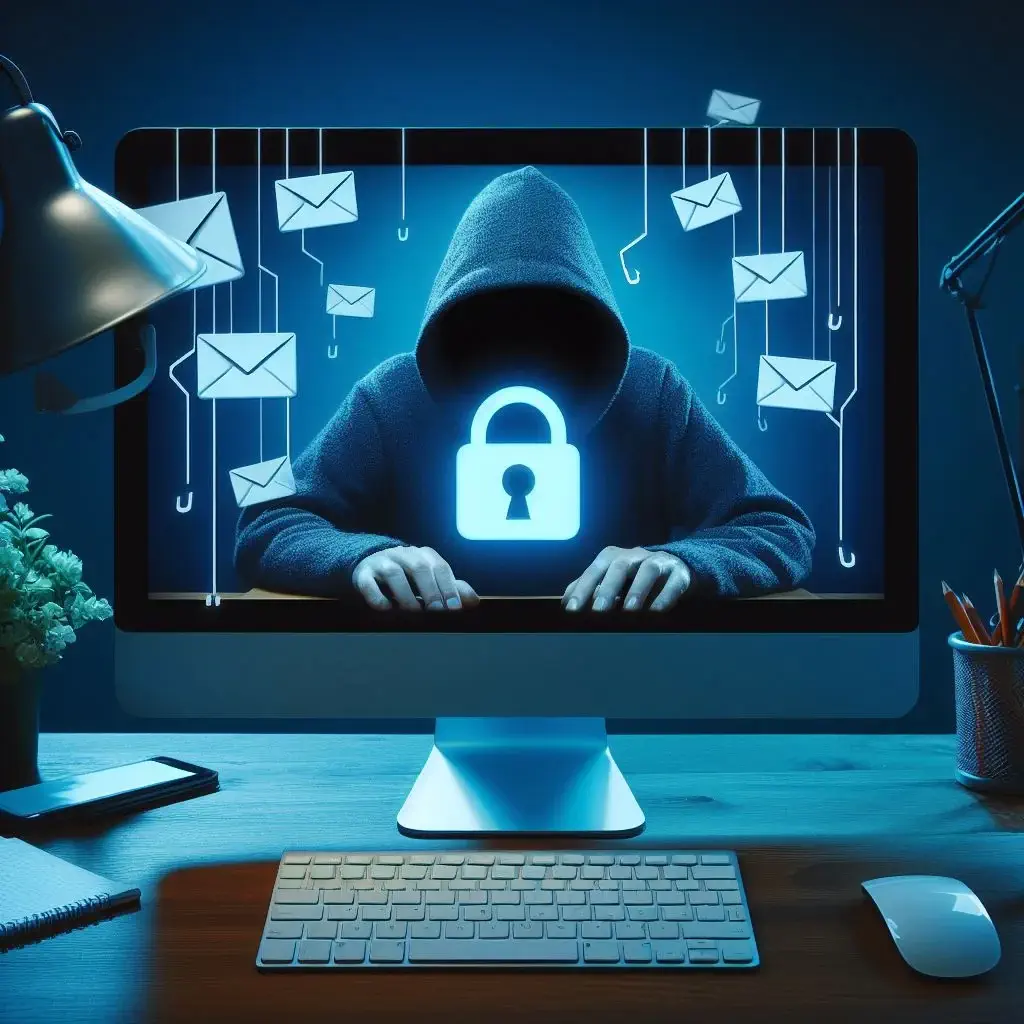
A suspicious email might include urgent calls to action, such as claiming your account will be locked unless you verify your information immediately.
To protect yourself, verify any requests directly through Apple’s official website or support channels, and never click on links or download attachments from suspicious emails.
Text message scams
Fake text messages, also known as smishing, have increased in popularity among cybercriminals.
These suspicious messages, pretending to be from Apple, often inform you of a non-existent issue with your account or offer a prize that seems too good to be true.
The red flags to watch include unsolicited messages, links that lead to unverified sites, and messages asking for personal information. Always verify the legitimacy of such text messages by contacting Apple’s Support Team directly.
Fake phone calls
Another method scammers use is fake calls from spoofed numbers that appear to come from Apple.
In these calls, the scammer may claim an issue with your Apple ID and request personal information to “fix” the problem. They may even spoof caller ID to make it look like the call is coming from Apple’s official customer service number.
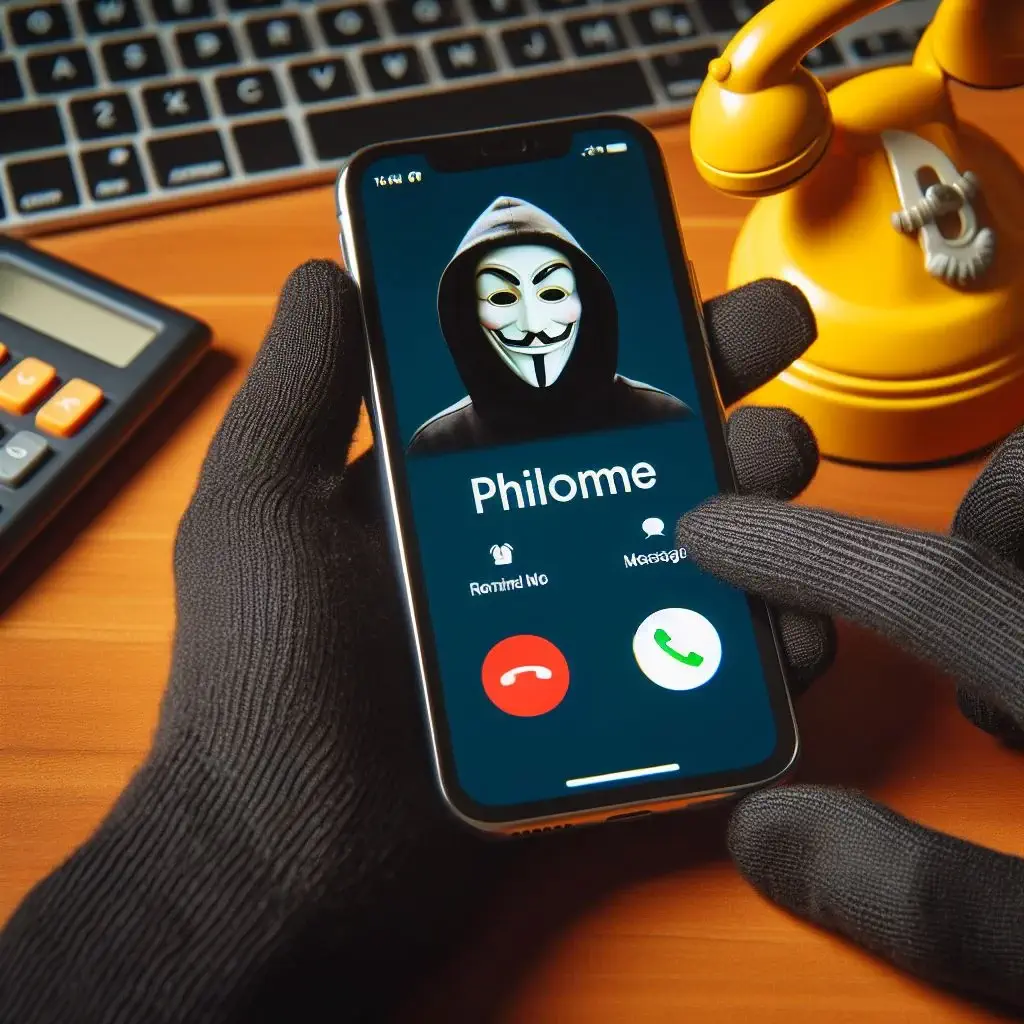
Be aware that Apple will never call to ask for your Apple ID password, iCloud credentials, or other sensitive personal information.
If you receive such a call, hang up immediately and contact Apple Support through their official website to verify the authenticity of the phone number.
Preventive measures: Securing Your Apple ID from phishing
Protecting your Apple ID from phishing attempts is vital for maintaining digital security. Adopting proactive security measures can reduce the risk of becoming a cybercrime victim.
These guidelines will help secure your Apple account against unauthorized access and scams.
Implement two-factor authentication
Two-factor authentication (2FA) adds a crucial layer of security to your Apple ID, making it significantly harder for cybercriminals to gain access even if they have your password.
With 2FA enabled, you’re required to provide two forms of identification before accessing your account.
This usually includes something you know (your password) and something you have (a code sent to your trusted device or phone number).
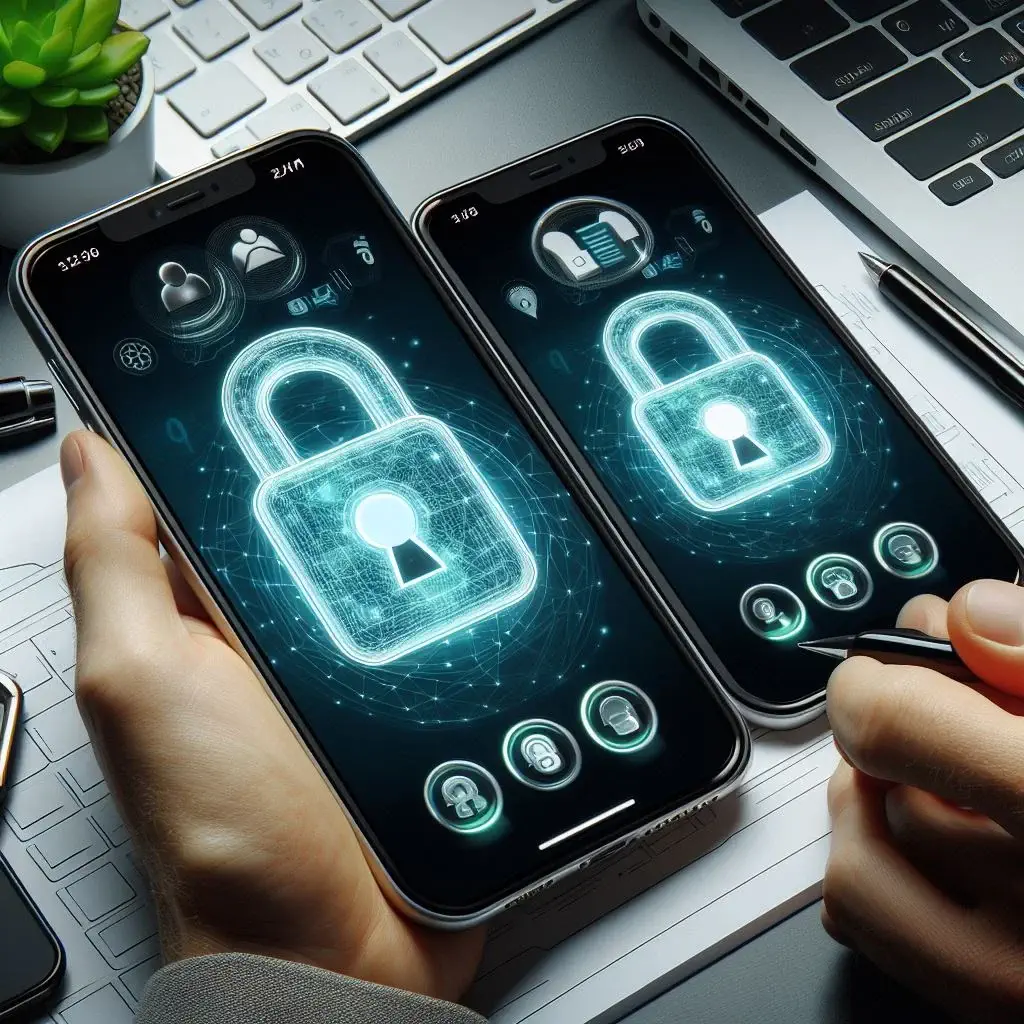
Enabling 2FA drastically reduces the likelihood of unauthorized access to your accounts and personal information.
Use secure passwords
A robust and unique password is your first defense against common phishing scams and malicious attacks.
Avoid using easily guessable passwords such as “123456” or “password.” Instead, create a complex password that includes letters, numbers, and symbols, making it difficult for hackers to crack.
Additionally, use different passwords for different accounts to prevent a single compromised password from giving attackers access to your accounts.
Password managers can help you manage these secure passwords without the risk of forgetting them.
Update your security questions
Security questions are an additional form of authentication that can protect your account even if your password is compromised.
However, attackers can sometimes easily guess common security questions using online information.
To enhance your security, choose questions that are meaningful to you but challenging for others to guess. Consider using a mix of personal anecdotes and random, hard-to-guess answers for the best protection.
Keep your operating system updated
Apple releases iOS updates to provide new features, fix bugs, and address security vulnerabilities.
Many phishing attacks exploit known vulnerabilities in software. Thus, keeping your iOS devices up to date ensures you have the latest security patches.
This can protect your devices from malware and phishing attempts to steal your Apple ID and other personal information.
Always install the latest macOS and iOS updates as soon as they become available to maintain the highest level of security.
What should you do if you suspect an Apple ID scam?
If you suspect you’ve received a phishing attempt or inadvertently clicked on a phishing link related to your Apple ID, prompt action is essential to protect your information and account.
Recognizing the phishing attempt is the first step, but what you do next can significantly mitigate potential damage.
Immediate steps to take if you click on a phishing link
If you’ve fallen victim to a link in a phishing email or text message, don’t panic. There are several steps you can take immediately to secure your account and personal information:
- Change Your Apple ID Credentials: The first and most crucial step is to change your Apple ID password to something solid and unique that hasn’t been used on other accounts.
- Scan for Malware: If you downloaded anything from the phishing link or entered sensitive information, scan your device for malware using trusted antivirus software, such as SpyHunter for Mac.
- Check Account Activity: Review your Apple account for any unusual activity or changes made without your consent.
- Reach Apple Support: If you’re concerned about the integrity of your account or need assistance, contact Apple Support directly for guidance.
- Enable Two-Factor Authentication: If not already enabled, set up two-factor authentication for an added layer of security on your account.
How to report Apple ID scams to Apple
If you come across a phishing attempt or scam related to Apple, reporting it helps protect not only yourself but also helps in the fight against cybercrime. Reporting can be done as follows:
- Email scams: Forward suspicious emails to Apple’s dedicated email address for reporting phishing: reportphishing@apple.com.
- Scams related to iCloud: For scams specifically targeting iCloud, email abuse@icloud.com.
- Report Through Apple’s Website: Use the report a problem feature on Apple’s official website or contact Apple’s team through their contact forms.
These immediate and reporting steps can help protect your Apple ID and contribute to a safer online environment for all Apple users.
How do you build a phishing-proof environment against Apple ID phishing scam?
In today’s digital landscape, the sophistication of scams, especially those targeting Apple ID, demands a robust defense strategy.
Creating a phishing-proof environment is essential for protecting your Apple account directly, ensuring the security of all Apple services you rely on, from the App Store to Apple Music.
Top anti-phishing tips and software
The fight against Apple ID scams sees a lineup of advanced tools offering personal and enterprise-level protection.
These applications block phishing attempts and educate users on the dangers of fake Apple websites and how to avoid them.
- Advanced Antivirus Solutions: Look for antivirus software with real-time protection against malicious websites, including those mimicking the official Apple web page. These solutions should offer email scanning to protect against Apple ID scams and integration with web browsers for alerts on suspicious sites.
- Browser Extensions: Essential for navigating the internet safely, anti-phishing extensions alert you to risks before you visit potentially harmful sites trying to impersonate official Apple or other legitimate companies’ web pages.
- Educational Platforms: Arm yourself with the knowledge to recognize Apple ID scam emails, fake Apple support messages, and phishing attempts. Online courses and simulations can dramatically improve your ability to spot scams.
- Email Filtering Services: Advanced filtering can catch phishing attempts that may appear as legitimate emails from the iTunes Store or regarding your Apple ID receipt email. These services analyze various aspects of incoming mail to block deceptive messages.
- Mobile Security Apps: Protect your iOS device with apps that offer safe browsing and manage app permissions. Features like remote wipe capabilities are crucial if your device is lost or stolen, preventing unauthorized access to your Apple Pay and other sensitive account details.
In the arsenal of tools against Apple ID scams, SpyHunter for Mac stands out for its comprehensive protection capabilities.
SpyHunter is specifically designed to detect and remove various threats. Its user-friendly interface simplifies safeguarding your digital environment, making it accessible for all skill levels.

SpyHunter for Mac offers real-time scanning to detect and block malware attacks that steal Apple ID, Apple Pay account details, and other sensitive information.
It’s updated regularly to handle new threats and prevent scammers from gaining access to your data. Download SpyHunter to protect against phishing and secure your Mac devices.
Integrate vigilant practices
Beyond software solutions, vigilance is vital. Regularly updating your apps and software ensures the latest security measures protect you.
Educate yourself and others about common signs of phishing, such as unsolicited callers asking for your Apple ID or bank account numbers, text messages with suspicious links, or emails with grammatical errors and spelling mistakes.
- Verify Before You Click: Always double-check the sender’s email address when receiving messages about your account. Scammers often use email addresses similar to legitimate ones but with slight differences.
- Use Official Channels: If you receive a notification about suspicious activity on your Apple account, contact Apple’s Support through the official Apple website or the Settings app on your device. Never use links or phone numbers provided in a suspicious email or text message.
- Protect Personal Information: Be wary of unsolicited requests for personal information, such as your Apple ID, password, verification codes, or bank details. Apple will never ask for sensitive info like this in an email or text.
- Report Phishing: If you encounter a phishing scam, report it to the Federal Trade Commission (FTC) or local law enforcement agency. Sharing information about scams can help protect the wider community.
Combining cutting-edge technology with informed and cautious practices can create a secure environment that minimizes the risk of falling victim to Apple ID scams.
Stay informed, stay vigilant, and take proactive steps to protect your digital life against these ever-evolving threats.
