

What is Security Information And Event Management (SIEM)?

Security Information and Event Management (SIEM) is a technology that helps organizations monitor, detect, and respond to security threats in real time by collecting and analyzing data from various sources.
SIEM offers a centralized view of security activities, making it easier to manage incidents and maintain a robust security posture.
In this article, you’ll learn about what is security information and event management, how it works, its benefits, and its challenges.
Fundamentals of Security Information and Event Management

SIEM stands for Security Information and Event Management, a technology that integrates the functionalities of Security Information Management (SIM) and Security Event Management (SEM) to monitor real-time security events.
At its core, SIEM combines these two disciplines to detect, investigate, and respond to security incidents effectively.
A SIEM solution acts as a centralized platform for security. It collects, aggregates, and analyzes security-related data from different sources within an organization.
Its primary functions include aggregating data, identifying deviations, and taking appropriate action to mitigate potential threats.
Originally, SIEM systems were primarily used for log management, focusing on compliance and auditing purposes, but their role has since evolved to encompass comprehensive security management.
SIEM systems are indispensable for modern organizations, offering a unified view of security data that aids in efficient detection, investigation, and response to incidents.
This makes SIEM an integral part of any robust security management system, enabling organizations to maintain a strong security posture and effectively manage security operations and security systems.
How SIEM systems work
SIEM solutions are designed to seamlessly integrate into existing security and network architectures, providing a comprehensive approach to monitoring and managing security events.
The effectiveness of a SIEM system lies in its ability to collect and analyze large volumes of security data from multiple systems and network components.
The functioning of SIEM systems can be broken down into three main processes: data collection and aggregation, event correlation and analysis, and alerting and reporting.
Each of these processes plays a crucial role in ensuring that potential security incidents are detected and addressed promptly.
Data collection and aggregation
One of the foundational aspects of SIEM is data collection. SIEM solutions must be capable of collecting data from all security devices, applications, antivirus filters, and firewalls to ensure comprehensive data coverage.
Modern SIEMs utilize advanced storage solutions like cloud-based data lakes for scalable log data retention and analysis, allowing for efficient data aggregation and processing.
Identifying critical data sources and security events is crucial for the effectiveness of a SIEM system, as it determines the quality and relevance of the collected data.
An effective SIEM must automatically discover and ingest data from diverse security and IT devices, ensuring comprehensive coverage.
Flexible deployment options and rapid deployment capabilities are essential features for modern SIEM systems, enabling organizations to adapt quickly to evolving security needs.
Event correlation and analysis
Event correlation and analysis are at the heart of SIEM’s ability to detect potential security incidents.
By consolidating and analyzing log entries, SIEM systems can identify signs of malicious activity and contribute significantly to incident detection.
This process allows security analysts to draw conclusions from consolidated data, playing a critical role in identifying potential security incidents.
Effective event correlation relies on a combination of advanced analytics and context derived from events, prioritizing threats intelligently.
High-fidelity alerts are crucial as they help prioritize threats using advanced analytics and context derived from user identities and their network addresses.
This ensures that security teams can focus on the most pressing threats, improving their overall response efficiency to analyze security events.
Linking user identities with their network addresses and devices provides essential context in analysis. This is particularly important for detecting incidents like impossible travel, where current and last login times, dates, and distances are compared to identify anomalies.
However, VPN usage can complicate this process by obscuring physical locations, making correlation more challenging.
Alerting and reporting
SIEM systems issue alerts upon identifying potential security issues. SIEM alert generation rules include user authentication, attack detection, and infection identification.
A SIEM system may log information and generate an alert when it detects a potential issue. It might also instruct security controls to take action.
Predefined rules help organizations classify alerts as low or high priority. Prioritization allows security teams to focus on critical threats, ensuring timely and effective responses.
Pre-defined reporting capabilities in SIEM systems streamline compliance with regulatory standards.
Compliance reporting in SIEM helps organizations meet regulatory requirements by providing detailed reports on security events and incidents.
Key features of SIEM solutions
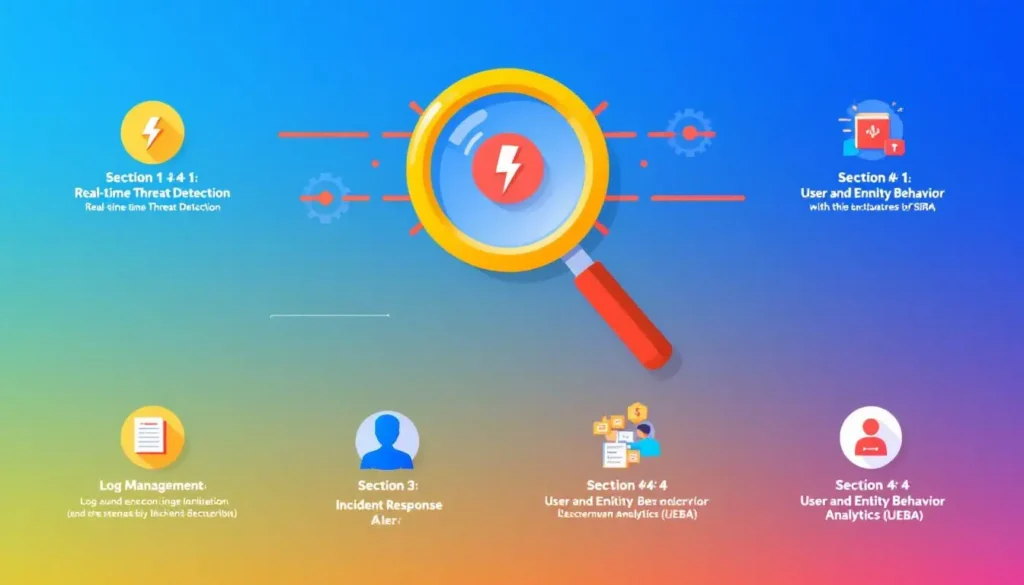
SIEM solutions come with a range of features designed to enhance security event management and improve an organization’s overall security posture.
These features include real-time monitoring, advanced analytics and machine learning, and automated incident response. Each of these features plays a crucial role in the effectiveness of a SIEM system.
Real-time analysis from SIEM tools is crucial for detecting and blocking threats.
Integrating Extended Detection and Response (XDR) enhances SIEM by offering a unified view across security layers.
Real-time monitoring
SIEM solutions enable real-time monitoring, which enhances the ability to detect and respond to security threats promptly.
Real-time monitoring and alerting enable swift responses to potential threats. With improved visibility across IT infrastructures, SIEM enhances situational awareness, allowing security teams to identify threats more effectively.
Centralized log management within SIEM allows for easier retrieval and analysis of log data from diverse sources.
Monitoring user activity helps detect insider threats, which can be more damaging than external attacks. This comprehensive approach ensures that both internal and external threats are addressed promptly.
Advanced analytics and machine learning
Machine learning in SIEM improves threat detection by identifying deviations from normal behavior, enhancing response accuracy.
Modern SIEM solutions incorporate machine learning and AI for enhanced real-time data analysis and threat detection. Advanced analytics in SIEM tools identify anomalies and patterns indicating security threats.
User and Entity Behavior Analytics (UEBA) included in SIEM solutions help detect unusual activities that may indicate insider threats.
Next-generation SIEM systems enhance capabilities with user and entity behavior analytics (UEBA) and security orchestration, automation, and response (SOAR).
Automated incident response
SIEM solutions can automate incident responses, allowing for faster mitigation based on predefined risk thresholds.
Automation in SIEM solutions enhances incident response by utilizing predefined rules to manage alerts based on their severity. Automating incident response processes significantly reduces reaction time to security incidents.
Automation in SIEM solutions streamlines routine security operations, enhancing overall efficiency. Future SIEM trends include increased automation and orchestration to streamline operations and improve response times.
Benefits of implementing SIEM

Implementing SIEM solutions delivers significant improvements in an organization’s security posture by enhancing threat detection capabilities, streamlining compliance reporting, and facilitating efficient security management.
SIEM tools’ continuous monitoring enables rapid detection and response to internal and external threats.
SIEM solutions provide a unified view of security data across diverse environments, enhancing overall risk management.
This comprehensive visibility allows organizations to proactively address potential threats and optimize their IT infrastructure. Integrations with other security solutions can streamline operations and provide comprehensive insights.
Compliance-ready reporting capabilities in SIEM systems are essential for meeting regulatory requirements.
Pre-configured reports in SIEM tools simplify compliance management, helping organizations meet regulatory requirements. This ensures that organizations remain compliant while maintaining robust security operations.
Challenges and limitations of SIEM
Despite its numerous benefits, SIEM systems are not without their challenges and limitations. A primary issue is the excessive noise from event data, complicating genuine threat detection.
Poorly defined correlation rules can lead to either missed threats or an overwhelming number of false positives, diminishing the reliability of alerts.
Alert fatigue is a significant concern, as a high volume of security alerts, especially false positives, can lead to slower response times and potential oversight of real threats.
Blind spots in data collection, due to inadequately monitored systems or applications, can limit SIEM’s effectiveness.
The rise of IoT and big data presents additional challenges, necessitating enhanced data processing and analytics capabilities for SIEM systems.
Choosing the right SIEM solution
Choosing the right SIEM solution requires a thorough understanding of the organization’s security needs and objectives.
Implementing a SIEM solution requires a thorough needs assessment and deployment strategy selection. Flexible deployment, rapid implementation, and easy customization are critical for a SIEM solution.
A SIEM solution must scale with business growth to ensure long-term viability. Organizations should consider both budget and security posture when selecting a SIEM tool.
Product architectures and cost considerations can influence SIEM system adoption and deployment.
Best practices for SIEM implementation
Successful SIEM implementation requires adherence to best practices. A discovery phase before implementation optimizes configurations and clarifies data flow. Regular testing and tuning keep the SIEM system effective against evolving threats.
Ongoing reviews of SIEM configurations are vital for adapting to network and threat landscape changes. Training security teams on SIEM system use enhances monitoring and incident response. Setting alert thresholds balances sensitivity and prevents overwhelming security teams.
The evolution and future of SIEM
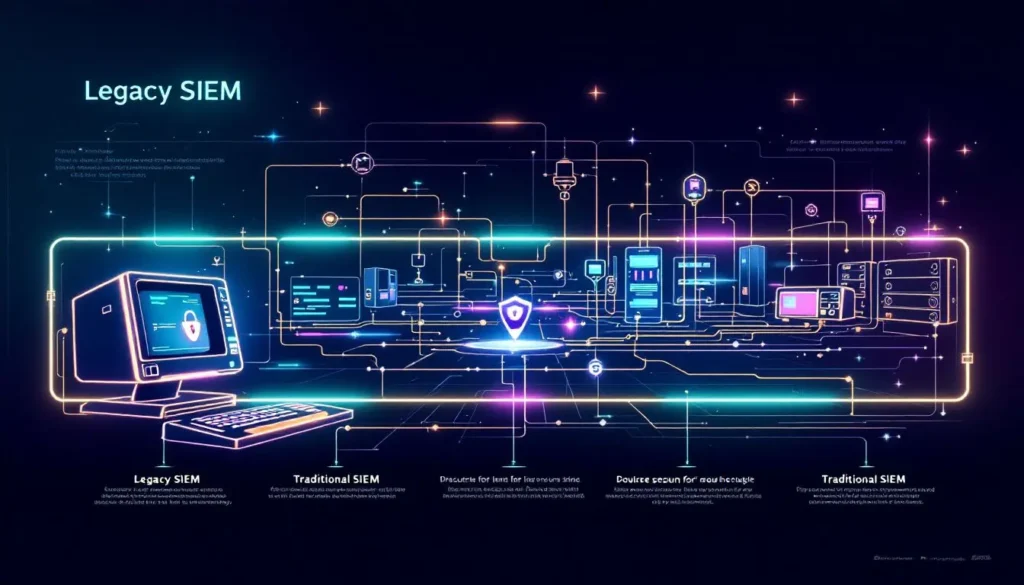
The development of SIEM technologies has been influenced by advancements in technology and the necessity for proactive cybersecurity measures.
Advanced SIEM solutions incorporate threat intelligence and behavioral analytics to enhance security capabilities.
SIEM products with advanced features are often referred to as next-generation SIEM, and future trends include greater automation and orchestration to streamline security operations and improve response times.
Frequently Asked Questions
What would you use a security information event manager for?
A security information event manager (SIEM) is used to aggregate and analyze security alerts, log data, and events from various sources in real time, enabling organizations to identify and respond to potential security threats effectively.
This tool enhances visibility and intelligence across an organization’s security landscape, ultimately aiding in proactive threat management.
What is SIEM in simple terms?
SIEM, or Security Information and Event Management, is a security solution that integrates the functions of security information management and security event management to provide real-time analysis of security alerts and threats.
This technology aids organizations in recognizing and mitigating potential security risks effectively.
What is a security information and event management system in a SOC?
A security information and event management (SIEM) system is essential in a security operations center (SOC) as it facilitates comprehensive security monitoring, threat detection, incident response, and compliance management.
What is SIEM?
SIEM, or Security Information and Event Management, is a vital tool for organizations, functioning as a continuous threat detection system by collecting logs and analyzing alerts across networks. Its primary role enhances security monitoring and incident response.
How does SIEM compare to XDR?
SIEM primarily collects and analyzes security data, while XDR enhances these capabilities by offering a unified view across multiple security layers for improved threat detection and response. This makes XDR a more comprehensive solution in addressing complex security challenges.
Summary
In summary, Security Information and Event Management (SIEM) is an essential component of modern cybersecurity, offering organizations the tools they need to detect, investigate, and respond to security incidents effectively.
By integrating Security Information Management (SIM) and Security Event Management (SEM), SIEM provides a comprehensive approach to monitoring real-time security events and managing security data.
Implementing SIEM solutions can significantly improve an organization’s security posture by enhancing threat detection capabilities, streamlining compliance reporting, and providing a unified view of security data.
Despite its challenges, such as excessive noise and alert fatigue, SIEM remains a valuable tool for managing security operations and ensuring compliance with regulatory standards.
