

Remove SearchBip Browser Hijacker From Mac (Works In 2025)

Before we dive in
Before we dive in, let's make sure you stay safe online. We created SpyHunter because your security matters to us.
Protect your computer today — download SpyHunter right here! Check out our top tips below to keep your computer safe and secure.

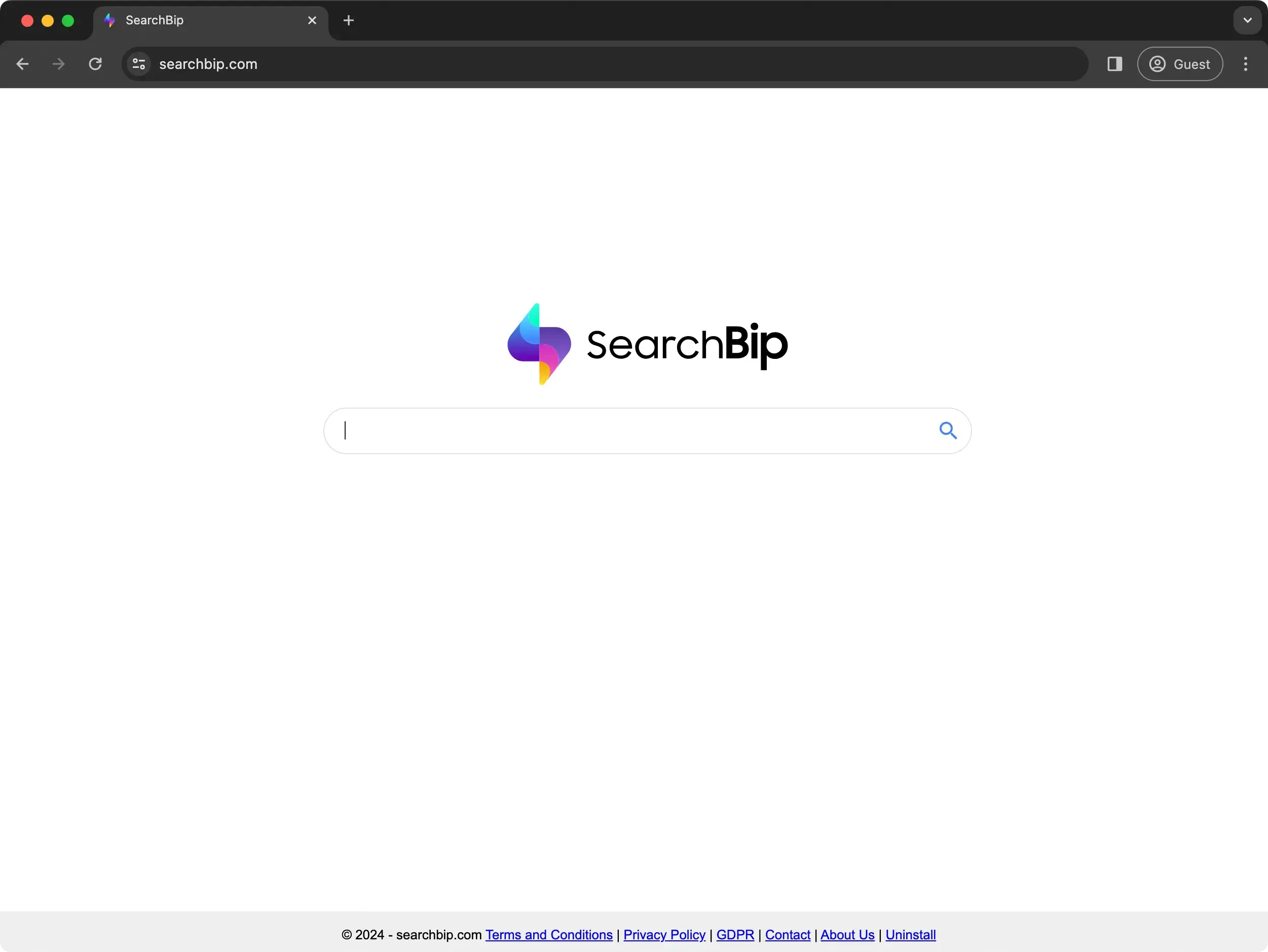
SearchBip.com is a browser hijacker that subtly alters your web browsing settings without your permission, redirecting your searches and inundating you with unwanted advertisements.
In this article, we delve into what SearchBip.com is, how it infiltrates your system, and its impact on your browsing experience.
We will equip you with practical steps to detect and eliminate this hijacker from your device, alongside preventive measures to protect your online environment against future intrusions.
Join us as we explore practical strategies to rid your browser of SearchBip.com and reclaim a secure, ad-free browsing experience.
Understanding SearchBip.com
SearchBip.com is a notable browser hijacker, software that changes your browser settings without your permission. It mainly targets your search engine, homepage, and new tab settings to control your browsing experience.
Doing so forces your browser to use searchbip.com for searches, leading to unwanted redirections and compromised search quality.
The threat to privacy and security
The real danger of SearchBip lies beyond mere annoyance. It aims to promote its search engine, which mixes genuine search results with ads and links to dangerous websites.
Moreover, SearchBip.com doesn’t produce its search results. It alters those from reputable search engines to include sponsored content, manipulating users toward specific sites for profit.
Adding to its invasive nature, SearchBip tracks your online activity, collecting data such as IP addresses, search queries, and sites visited.
This data collection risks your privacy because it’s unclear how your personal information might be used or shared.
SearchBip installation practices
Often, SearchBip sneaks onto devices via bundled software downloads or misleading advertisements, making it a potentially unwanted application (PUA).
Being careful with what you download and install from the internet is crucial. It’s essential always to stay alert to avoid unwanted software getting onto your device.
Understanding and dealing with SearchBip.com is key because it affects your online experience and privacy. It’s important to keep your online world safe and enjoyable.
How did SearchBip end up on your browser?
The appearance of SearchBip.com on your browser usually stems from inadvertent actions during software downloads or interactions with misleading online content. Here’s how it usually happens:
- Bundled Software Installations: Often, SearchBip.com is packaged with free software you might download from the internet. SearchBip is installed alongside the intended software without explicit consent during the installation process.
- Deceptive Advertisements: Clicking on pop-up ads that promote SearchBip as a helpful tool or essential update can result in installing this browser hijacker without realizing its full implications.
- Fake Update Prompts: Some users install SearchBip following misleading prompts that disguise the hijacker as a critical software update. This tricks users into believing they’re simply keeping their software current.
The primary motive behind these distribution strategies is financial gain. By redirecting your online searches, SearchBip aims to increase traffic to sponsored content. This way, it generates advertising revenue at the expense of your browsing experience and system security.
The symptoms of a SearchBip browser hijack
Recognizing the symptoms of a SearchBip is crucial for timely and effective resolution. The most apparent signs are:
- Unwanted Redirections: Your web searches are redirected through SearchBip.com. This causes a slew of sponsored content and advertisements that were not present before.
- Browser Slowdown: Increased ads can cause your internet browsing to slow down significantly.
- Unexpected Ads and Pop-ups: The appearance of intrusive ads and pop-ups unrelated to the visited websites indicates the browser is under the influence of a browser hijacker.
- New Toolbars or Extensions: The appearance of unfamiliar toolbars or extensions not manually installed can indicate a SearchBip hijack.

These symptoms disrupt your browsing experience and pose significant security risks. Addressing these signs is vital to prevent further privacy invasions or potential malware infections.
Remove SearchBip browser hijacker (step-by-step guide)
Embarking on removing the SearchBip browser hijacker from your device is essential to restoring your online browsing experience and safeguarding your digital privacy.
Follow this step-by-step guide to end SearchBip.com and reclaim control over your browser settings.
Clean your browsers from SearchBip.com
To ensure a thorough cleanup and prevent SearchBip.com from hijacking your searches and homepage, it’s crucial to clean your browsers.
This section guides you on how to remove any lingering traces of SearchBip.com from your web browsers.
Remove SearchBip.com from Google Chrome:
- Open Chrome: Click the three vertical dots and navigate to
More tools > Extensions - Delete Extensions: Find extensions related to SearchBip.com and click
Remove - Adjust Settings: Go to
Settings > Search engineand select your preferred search engine - On Startup: Ensure only your desired pages open at startup
Clear Mozilla Firefox of SearchBip hijacker:
- Open Menu: Click the three horizontal lines and go to
Add-ons - Remove Extensions: Go to
Extensionsand remove any that are linked to SearchBip.com - Set Homepage: Open
Options > Homeand choose your homepage - Search Settings: Confirm your search engine in the Search options
Get rid of SearchBip.com on Safari:
- Access Preferences: In Safari, go to
Preferences > Extensionsand remove SearchBip-related extensions - Homepage: Set your desired homepage in the
Generaltab - Search Engine: Ensure the correct search engine is chosen in the
Searchtab
Use an anti-malware tool for complete removal
After manually addressing the visible components of the SearchBip, it’s time to dig deeper and ensure no hidden elements remain.
This is where a dedicated anti-malware tool becomes indispensable.
Why SpyHunter for Mac?
SpyHunter for Mac targets and removes malware like browser hijackers, adware, and more complex threats that might escape manual removal methods. It offers:
- Comprehensive Scanning: SpyHunter for Mac examines your system to identify and eliminate all traces of SearchBip and other malicious software.
- User-Friendly Interface: Designed with all levels of users in mind, SpyHunter makes scanning for and removing malware simple.
- Regular Updates: SpyHunter is regularly updated to combat the latest malware, providing ongoing protection against emerging threats.

Steps to use SpyHunter
- Download: Download SpyHunter from here to ensure you’re using the legitimate and latest version.
- Install: Open the downloaded file and follow the prompts to install SpyHunter on your Mac. Installation is straightforward, guiding you through each step.
- Scan: Launch SpyHunter and initiate a full system scan. Allow the software to scan your entire system for any hidden traces of SearchBip.com or other malware.
- Remove: After the scan, SpyHunter will list all detected malware. Follow the instructions to remove these threats, securing your Mac from further harm.

By incorporating SpyHunter for Mac into your removal process, you can achieve a level of cleanliness and security manual methods alone might not reach.
Running regular scans with SpyHunter helps guard your Mac from many online dangers. This makes your browsing experience safer.
Final thoughts: Keeping your browser safe after SearchBip.com
Getting rid of SearchBip.com is a big step towards better online security, but it’s just the start. To keep your browser safe:
- Stay Alert: Check your browser settings for any changes you didn’t make, especially to your homepage, search engine, and extensions.
- Be Informed: Know how to spot phishing sites and malicious downloads. This knowledge can stop many hijackers like SearchBip.com in their tracks.
- Use Security Software: A good security program with real-time scanning and malicious site blocking can protect you from a wide range of threats.
- Backup Your Data: Regular backups can save you from losing important information if something goes wrong.
In short, beating SearchBip.com is fantastic, but staying safe online is ongoing. Keep learning, be cautious, and use the right tools to secure your browsing.
